Understanding Program.cs in ASP.NET Core
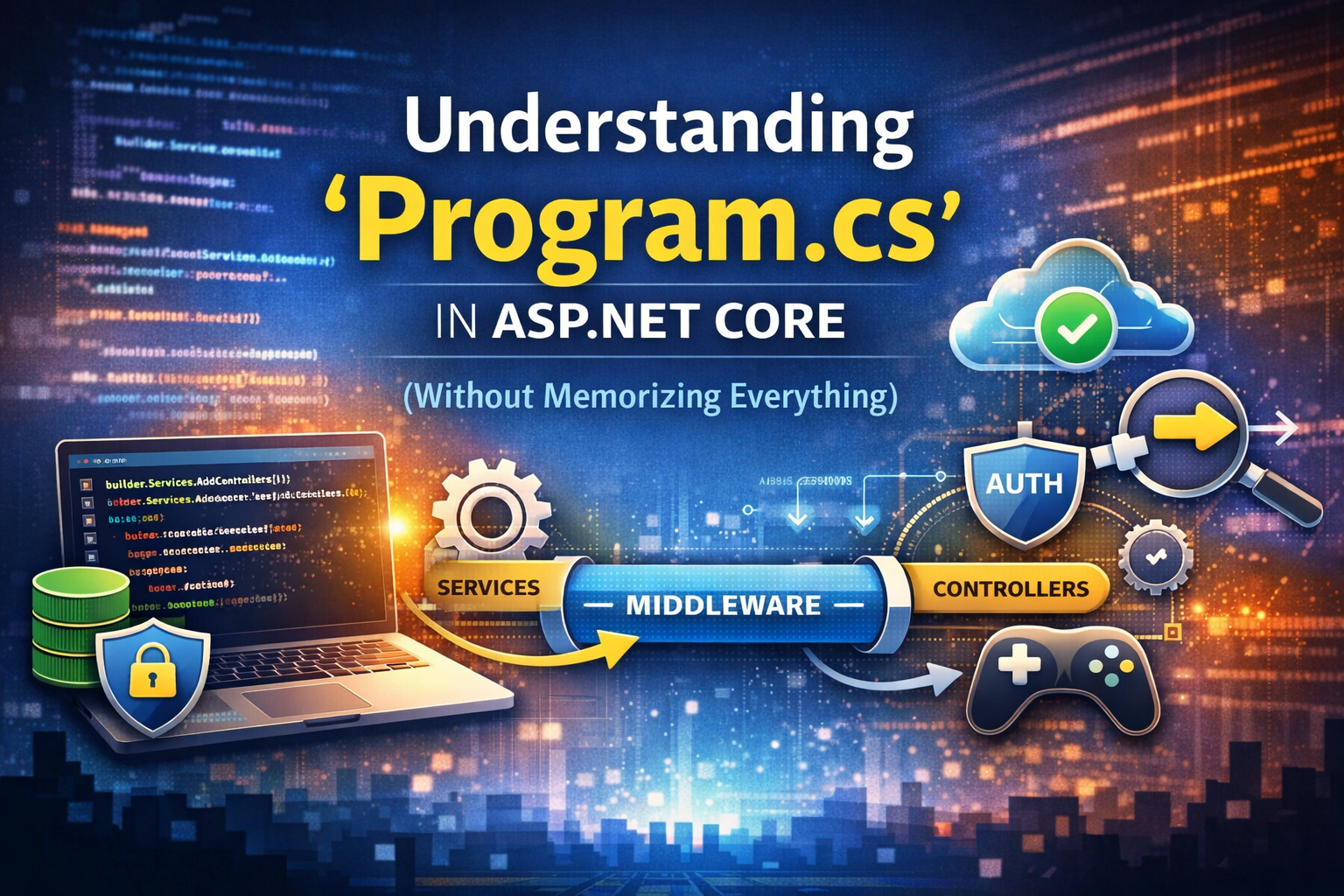
When you start learning ASP.NET Core, the Program.cs file can feel overwhelming.
So many methods, so many configurations — authentication, middleware, services, pipelines…
Here’s the good news:
- You do NOT need to memorize everything in
Program.cs- You only need to understand how it works conceptually
This article will help you build a simple mental model so you always know what goes where — even if you forget the exact syntax.
The Big Picture
Program.cs does two main things:
- Registers services (Dependency Injection)
- Configures the HTTP request pipeline (middleware)
If you understand these two ideas, everything else becomes much easier.
Registering Services (Dependency Injection)
This is the part where you tell ASP.NET Core:
“My application needs these services to work.”
Examples:
- Controllers
- Entity Framework DbContext
- Authentication (JWT, cookies)
- Swagger
- CORS
- Custom application services
Example
1 | var builder = WebApplication.CreateBuilder(args); |
How to recognize a service
Ask yourself:
“Will I inject this into a constructor?”
If the answer is yes, it probably belongs in builder.Services.
Configuring the Middleware Pipeline
Middleware defines how an HTTP request flows through your application.
Think of it like a pipeline:
1 | Request → Middleware → Middleware → Controller → Response |
Each middleware can:
- Inspect the request
- Modify it
- Stop it
- Pass it forward
Example
1 | var app = builder.Build(); |
Important rule!
Order matters.
For example:
UseAuthentication()must come beforeUseAuthorization()
The Most Common Program.cs Template (90% of APIs)
This is the structure you’ll see in most ASP.NET Core projects:
1 | var builder = WebApplication.CreateBuilder(args); |
If you understand this template, you already understand most ASP.NET Core applications.
Where Do Common Features Go?
| Feature | Services | Middleware |
|---|---|---|
| Controllers | AddControllers() |
MapControllers() |
| Authentication | AddAuthentication() |
UseAuthentication() |
| Authorization | — | UseAuthorization() |
| Swagger | AddSwaggerGen() |
UseSwagger() |
| CORS | AddCors() |
UseCors() |
| EF Core | AddDbContext() |
— |
| Static files | — | UseStaticFiles() |
What You SHOULD Memorize
- Services vs Middleware concept
- The idea of a request pipeline
AddControllers()+MapControllers()- Authentication before Authorization
Environment.IsDevelopment()
What You Should NOT Memorize
- JWT validation parameters
- Swagger configuration details
- EF Core advanced options
- CORS policy edge cases
These are reference knowledge, not memory knowledge.
Final Advice
ASP.NET Core is modular by design.
You are not expected to remember everything —
you are expected to recognize patterns.
Once the mental model is clear:
- Reading other people’s
Program.csfiles becomes easy - Debugging configuration issues becomes logical
- Adding new features feels natural
Learn the structure.
Look up the details.
That’s how real-world ASP.NET Core development works.