Understanding JWT Authentication and Authorization
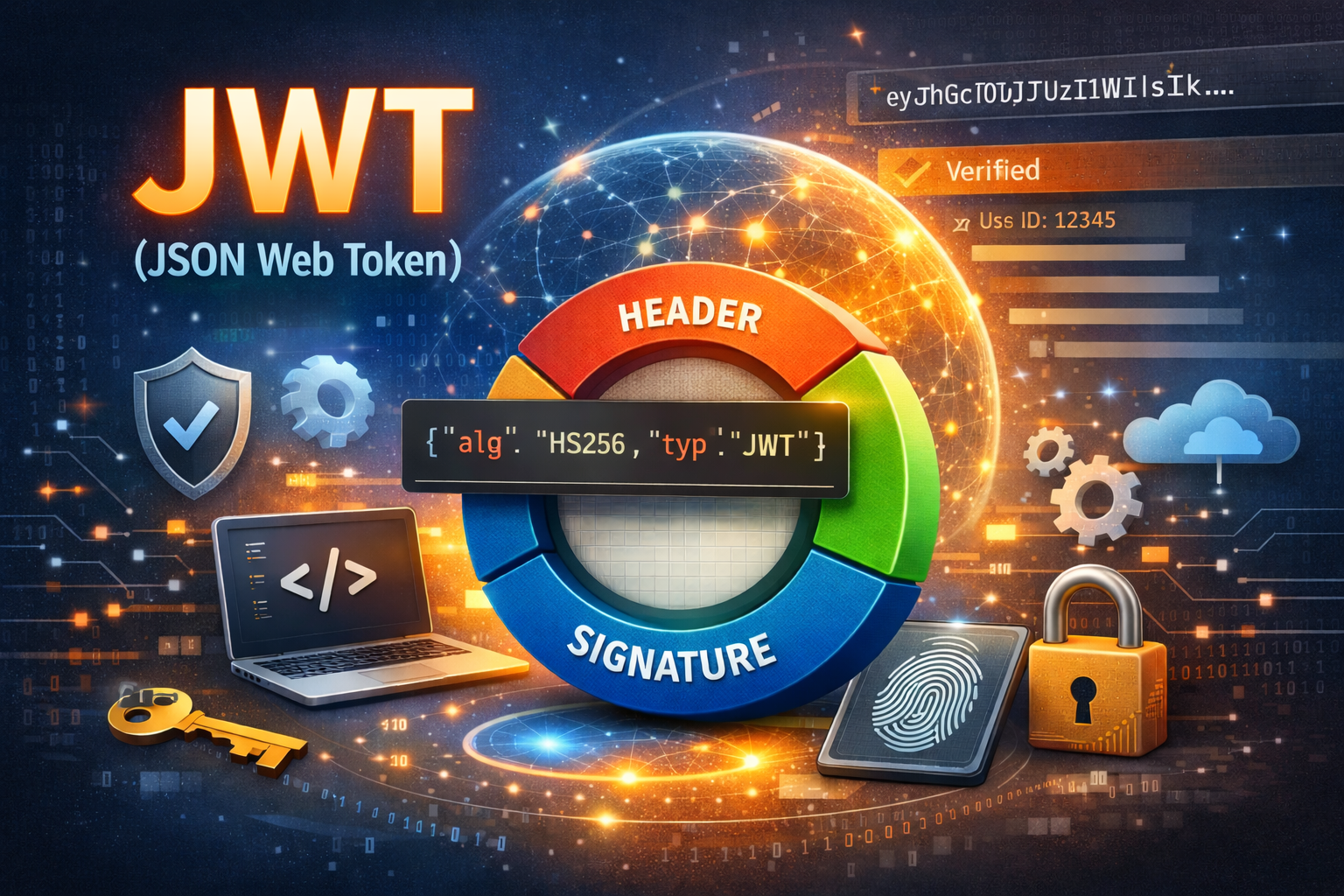
Modern applications are no longer limited to classic server-rendered web pages. Today we build APIs, SPAs (Angular, React), and mobile applications, all of which require a secure and scalable authentication mechanism.
One of the most widely used solutions is JWT (JSON Web Token) authentication.
This article explains:
- what JWT is
- how authentication and authorization work with JWT
- how JWT differs from cookies
- what information should (and should not) be stored in a JWT
- how refresh tokens work
- how client-side and server-side authorization is handled
Cookies vs JWT – Two Authentication Models
There are two main authentication approaches in web applications:
Cookie-based authentication
- Common in MVC / Razor Pages
- Browser automatically stores and sends cookies
- Server manages user sessions
- Unauthorized access triggers redirect to
/Account/Login
This model is ideal for traditional web pages.
JWT Bearer authentication
- Used in APIs, SPAs, and mobile apps
- Client explicitly sends the token in headers
- No server-side session
- No redirects — only HTTP status codes
This model is ideal for modern, API-first applications.
What is JWT?
A JWT (JSON Web Token) is a compact, URL-safe token used to represent authenticated user identity.
A JWT consists of three parts:
1 | HEADER.PAYLOAD.SIGNATURE |
Each part is Base64URL-encoded and separated by a dot.
JWT Header
The header describes how the token is signed.
Example:
1 | { |
alg: the signing algorithm (e.g. HS256 – HMAC + SHA256)typ: token type (JWT)
The header does not contain user data.
JWT Payload (Claims)
The payload contains claims — information about the authenticated user.
Recommended claims
sub– user identifier (most important)exp– expiration timeiat– issued atnbf– not beforeiss– issueraud– audienceemail– optional, for UIrole/roles– authorization roles
Example payload:
1 | { |
Important rule
JWT payload is not encrypted, only signed.
Anyone can decode it — therefore never store sensitive data.
JWT Signature
The signature guarantees token integrity.
It is generated by hashing:
1 | base64url(header) + "." + base64url(payload) |
using a secret signing key.
Only the backend knows this key.
If the payload is modified (for example, changing a role to Admin), the signature becomes invalid and the token is rejected.
Authentication Flow with JWT.
1. User logs in
The client sends credentials:
1 | POST /auth/login |
2. Backend verifies credentials
- Uses
UserManager/SignInManager - No session is created
- No cookies are used
3. Tokens are generated
- Access token (JWT) – short-lived
- Refresh token – long-lived
4. Tokens are returned to client
- Access token is stored in memory
- Refresh token is stored securely
Sending Authenticated Requests
For every protected API call, the client sends:
1 | Authorization: Bearer <ACCESS_TOKEN> |
An HTTP interceptor (Angular) usually attaches this header automatically.
What Happens on the Backend
For each protected request:
- JWT middleware extracts the token
- Verifies signature, expiration, issuer, audience
- Creates
HttpContext.Userfrom claims - Authorization policies decide access
If validation fails → 401 Unauthorized
Authorization: Roles and Policies
Role-based authorization
Used for stable permissions:
1 | [] |
Checks the role claim inside JWT.
Policy-based authorization
Used for dynamic permissions (subscriptions, tickets):
1 | [] |
The policy:
- reads
userIdfromsubclaim - checks database state
- allows or denies access
This approach avoids putting dynamic data into JWT.
Refresh Tokens and Token Rotation
Access tokens expire quickly.
When that happens:
- Client receives
401 Unauthorized - Client sends refresh token to
/auth/refresh - Backend validates refresh token
- Backend:
- invalidates old refresh token
- issues a new access token
- issues a new refresh token
- Client replaces stored tokens
This process is called refresh token rotation and is a security best practice.
Refresh tokens are never stored in plain text, only as hashes.
Client-Side Authorization (UI Control)
The backend is always the source of truth, but the client controls the UI.
Recommended approach:
- After login, call
/auth/me - Backend returns:
- user info
- roles
- active ticket
- enabled features
The client:
- shows/hides menus based on features
- protects routes using guards
- reacts to
403 Forbiddenresponses
Even if UI hides something, the backend still enforces security.
What JWT Should Contain (Summary)
Include
- user ID (
sub) - roles
- expiration data
- issuer and audience
Do NOT include
- passwords
- refresh tokens
- subscription status
- dynamic permissions
- personal sensitive data
Key Takeaway
JWT answers “who you are”
Policies and database checks answer “what you can do”
JWT authentication is stateless, scalable, and perfect for modern applications when implemented correctly with refresh tokens and server-side authorization.
Conclusion
JWT-based authentication is a powerful solution for APIs, SPAs, and mobile applications. When combined with proper authorization policies, refresh token rotation, and a clean client-side state model, it provides both security and flexibility.
Used correctly, JWT allows you to build modern applications without sessions, cookies, or server-side state — while remaining secure and scalable.