.NET CLI cheatsheet
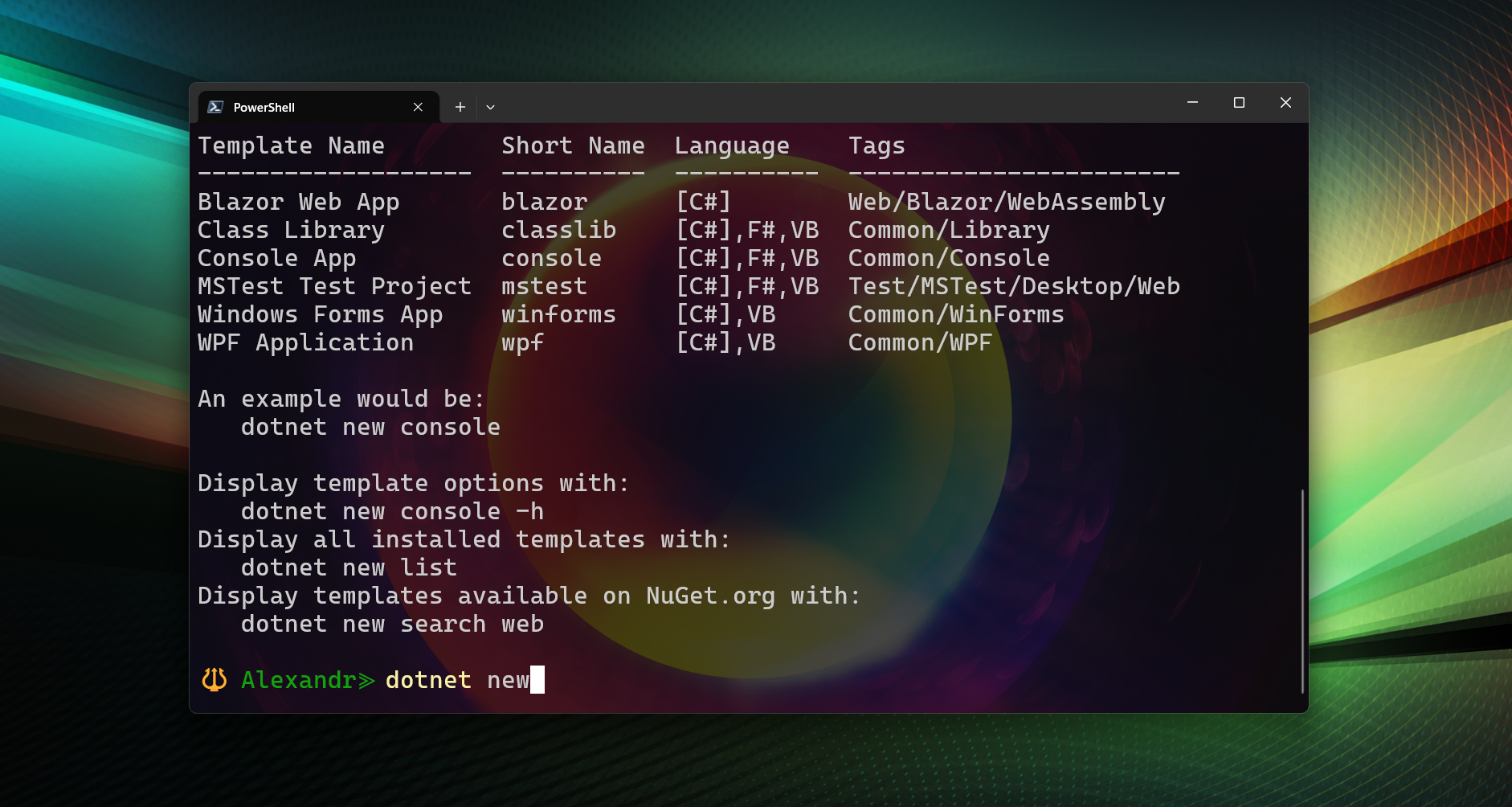
This guide explains the most important dotnet commands, grouped logically.
You do not need to memorize everything — learn the structure and look up details when needed.
Mental Model
Think of dotnet as a Swiss Army knife with 5 main categories:
- SDK & environment info
- Project creation & structure
- Build & run (development)
- Publish & distribution
- Tools & advanced commands
SDK & Environment Information
dotnet --info
Shows:
- Installed SDKs
- Installed runtimes
- OS & architecture
1 | dotnet --info |
dotnet --version
Shows the currently active SDK version.
1 | dotnet --version |
dotnet --list-sdks
Lists all installed SDKs.
1 | dotnet --list-sdks |
dotnet --list-runtimes
Lists all installed runtimes.
1 | dotnet --list-runtimes |
Project Creation
dotnet new
Lists available templates.
1 | dotnet new |
Common templates
1 | dotnet new console # Console application |
Create project with name
1 | dotnet new console -n MyApp |
Solution & Dependencies
dotnet sln add
Adds a project to a solution.
1 | dotnet sln add MyApp/MyApp.csproj |
dotnet add package
Installs a NuGet package.
1 | dotnet add package Newtonsoft.Json |
dotnet remove package
Removes a NuGet package.
1 | dotnet remove package Newtonsoft.Json |
dotnet restore
Restores NuGet dependencies.
1 | dotnet restore |
Usually runs automatically.
Build & Run (Development)
dotnet build
Compiles the project (does not run).
1 | dotnet build |
dotnet run
Builds and runs the project.
1 | dotnet run |
dotnet clean
Deletes bin/ and obj/ folders.
1 | dotnet clean |
Testing
dotnet test
Runs unit tests.
1 | dotnet test |
Publishing & Distribution (Very Important)
dotnet publish
Creates a distributable output.
1 | dotnet publish -c Release |
Self-contained (no .NET required on target PC)
1 | dotnet publish -c Release -r win-x64 --self-contained true |
✔ Runs on any Windows x64 machine
❌ Larger output size
Single-file executable
1 | dotnet publish -c Release -r win-x64 \ |
✔ One .exe file
✔ Easy to distribute
Portable folder (recommended for stability)
1 | dotnet publish -c Release -r win-x64 --self-contained true |
✔ No installer
✔ Fewer runtime issues
Runtime Identifiers (RID)
| Platform | RID |
|---|---|
| Windows x64 | win-x64 |
| Windows x86 | win-x86 |
| Linux x64 | linux-x64 |
| macOS Intel | osx-x64 |
| macOS Apple Silicon | osx-arm64 |
Global Tools
Install global tool
1 | dotnet tool install -g dotnet-ef |
List global tools
1 | dotnet tool list -g |
Update global tools
1 | dotnet tool update -g dotnet-ef |
Entity Framework Core (Quick Overview)
1 | dotnet ef migrations add InitialCreate |
What You Should Memorize
dotnet newdotnet rundotnet builddotnet publish--self-contained-r win-x64
Everything else is reference knowledge.
Final Advice
ASP.NET and .NET are designed to be modular and discoverable.
Learn the structure.
Look up the details.
Build real projects.